DUO Security
Note that only administrators with the Owner role can create or modify an Admin API application in the Duo Admin Panel.
Securonix supports ingestion of the following types of DUO logs:
- Duo Security Administrator
- Duo Security Authentication
- Log in to the Duo Admin Panel and navigate to Applications.
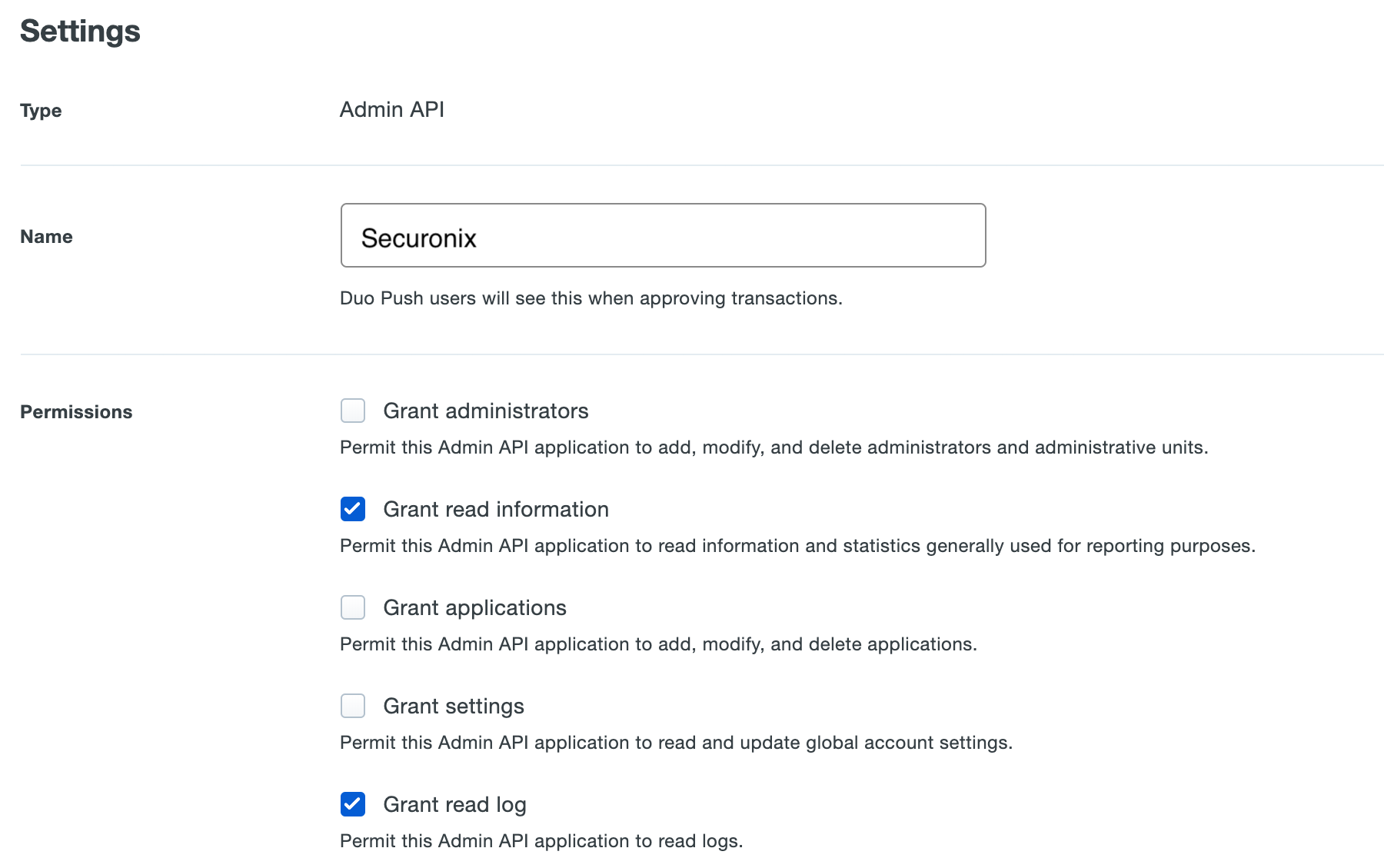
- Click Protect an Application and locate the entry for Admin API in the applications list. Click Protect to the far-right to configure the application and get your integration key, secret key, and API hostname. You’ll need to provide these credentials to SolCyber via onetimesecret.com or other secure methods.
- The required permissions are:
- Grant read log
- Grant read information