
SentinelOne
- Log in to the SentinelOne Management Console using the Administrator username for the account.
- Copy and save the URL of your login.
- Note: The host URL information will be similar to the following: https://usa-partners.sentinelone.net/
- In the Management Console, click Settings > USERS.
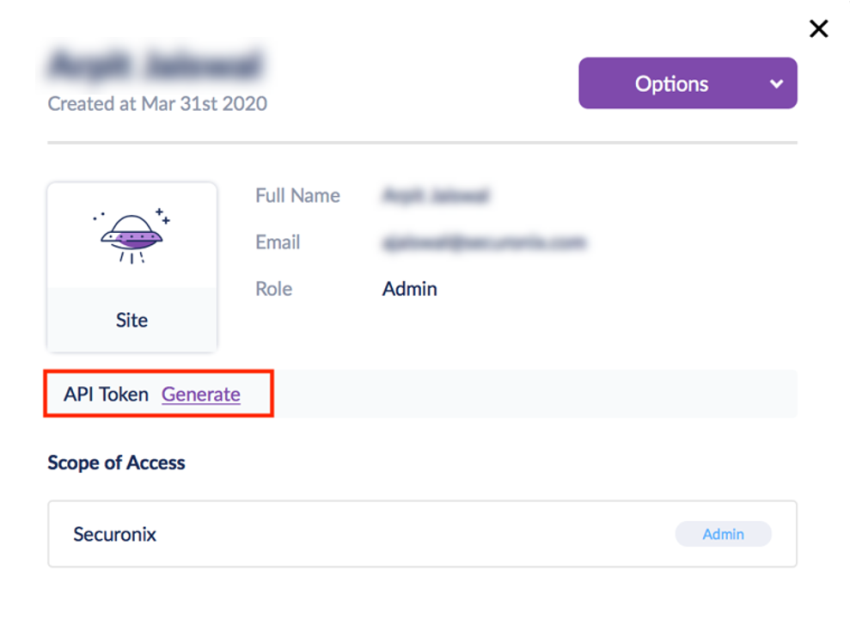
- Select your admin user account and click Generate API token.
- Copy and save the token
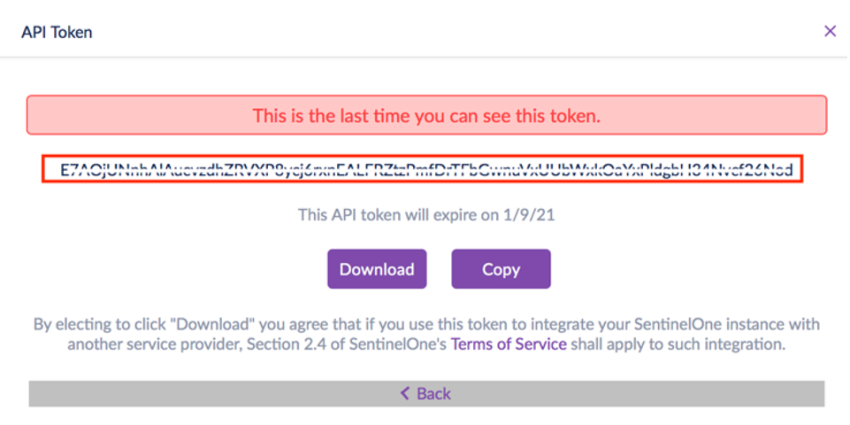
Note: You will need to provide this token to SolCyber.