1Password
You can set up Events Reporting if you’re an owner, administrator, or part of a group with the View Administrative Sidebar permission.
You must have at least a Business account to export logs.
Create Events Reporting Integration#
- Sign in to your 1Password account, click Integrations in the sidebar, and choose Other.
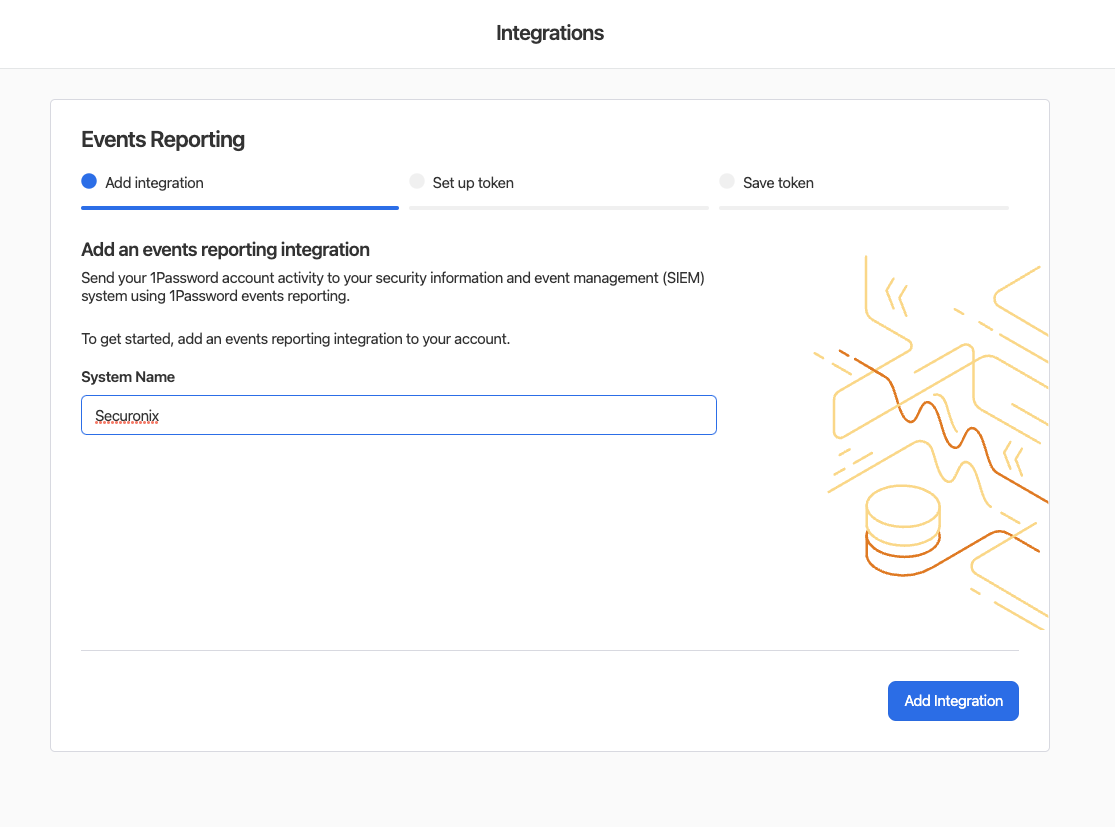
- Give the integration a name. We suggest “Securonix”.
- Click Add Integration
- Supply a name for the token. We suggest “Securonix token”.
- Expires After - choose 2 years. (note the screenshot below shows “never”, we do not recommend this)
- Events to Report - select:
- Sign-in attempts
- Item usage events
- Click Issue Token
.png)
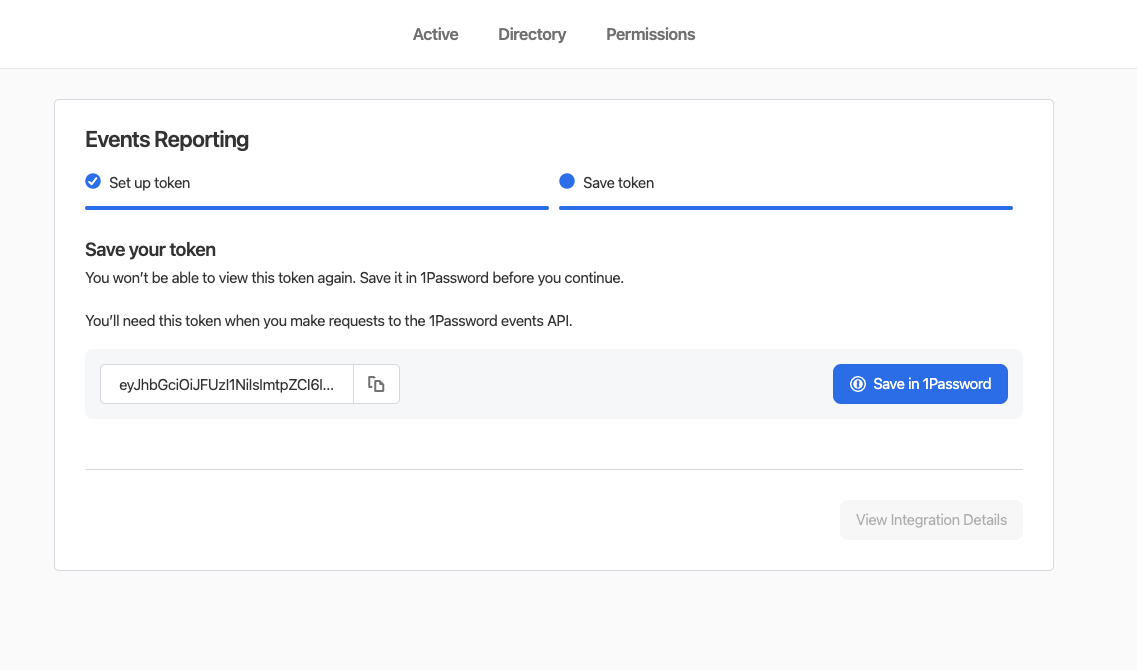
- Provide SolCyber with the token via an encrypted email or onetimesecret.com