
PhishArm Add-in Deployment: Google Workspace
The PhishArm plug-in (provided by Right-Hand Cybersecurity) is used to report suspicious email directly to the SolCyber SOC. The reported email will be sent as an attachment to the SolCyber SOC. The email will also be moved to the user’s spam folder.
Install Phisharm Plug-in For Entire Domain (or specific OUs)#
Log in to the Google Workspace Admin portal. In the left-hand menu, click Apps > Google Workspace Marketplace Apps > Apps List.

Click INSTALL APP.
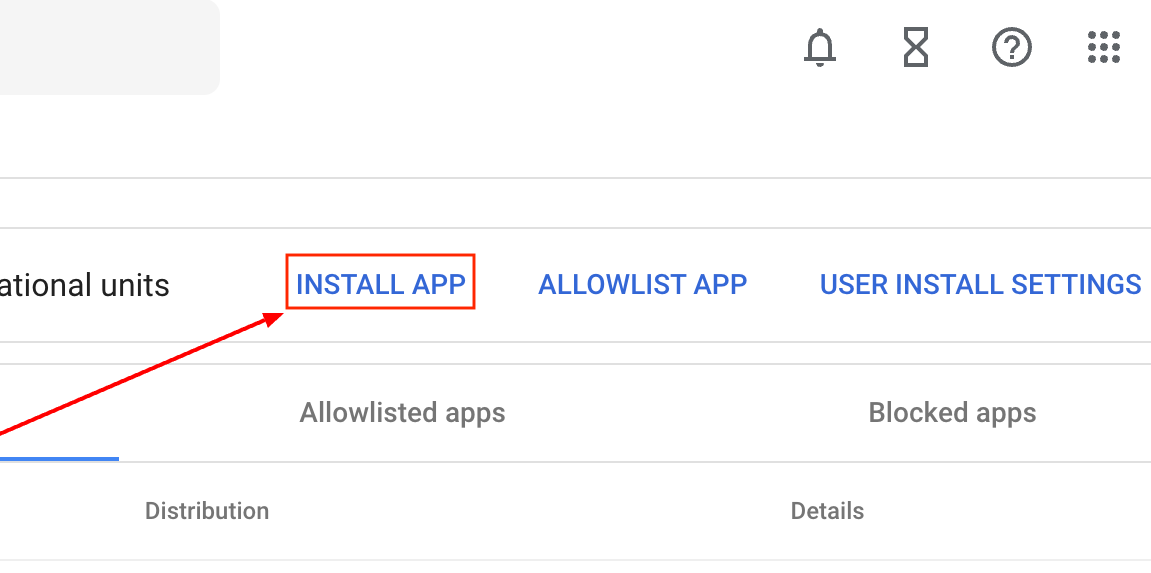
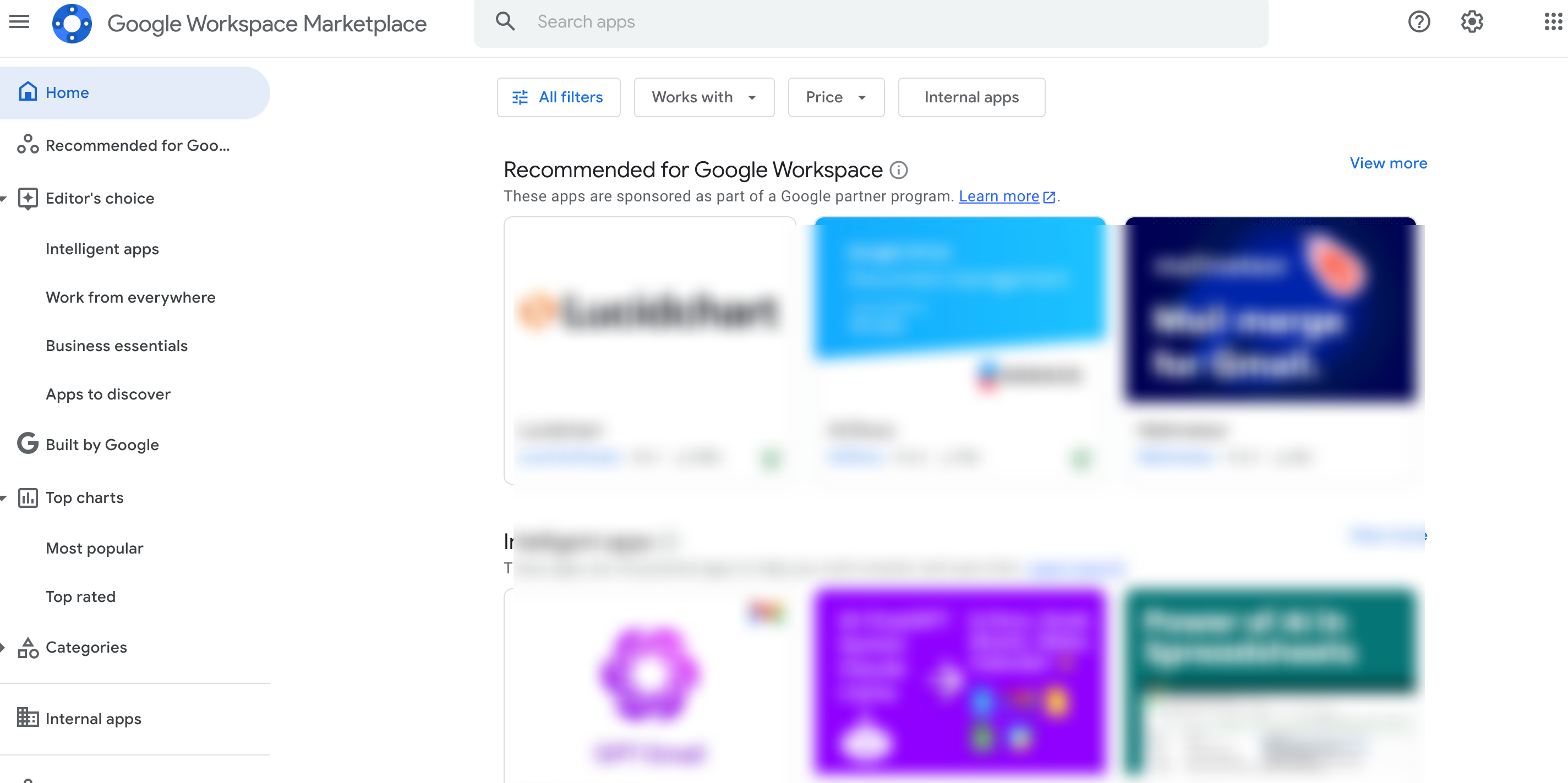
- This will take you to Download Business Apps in Marketplace | Google Workspace.
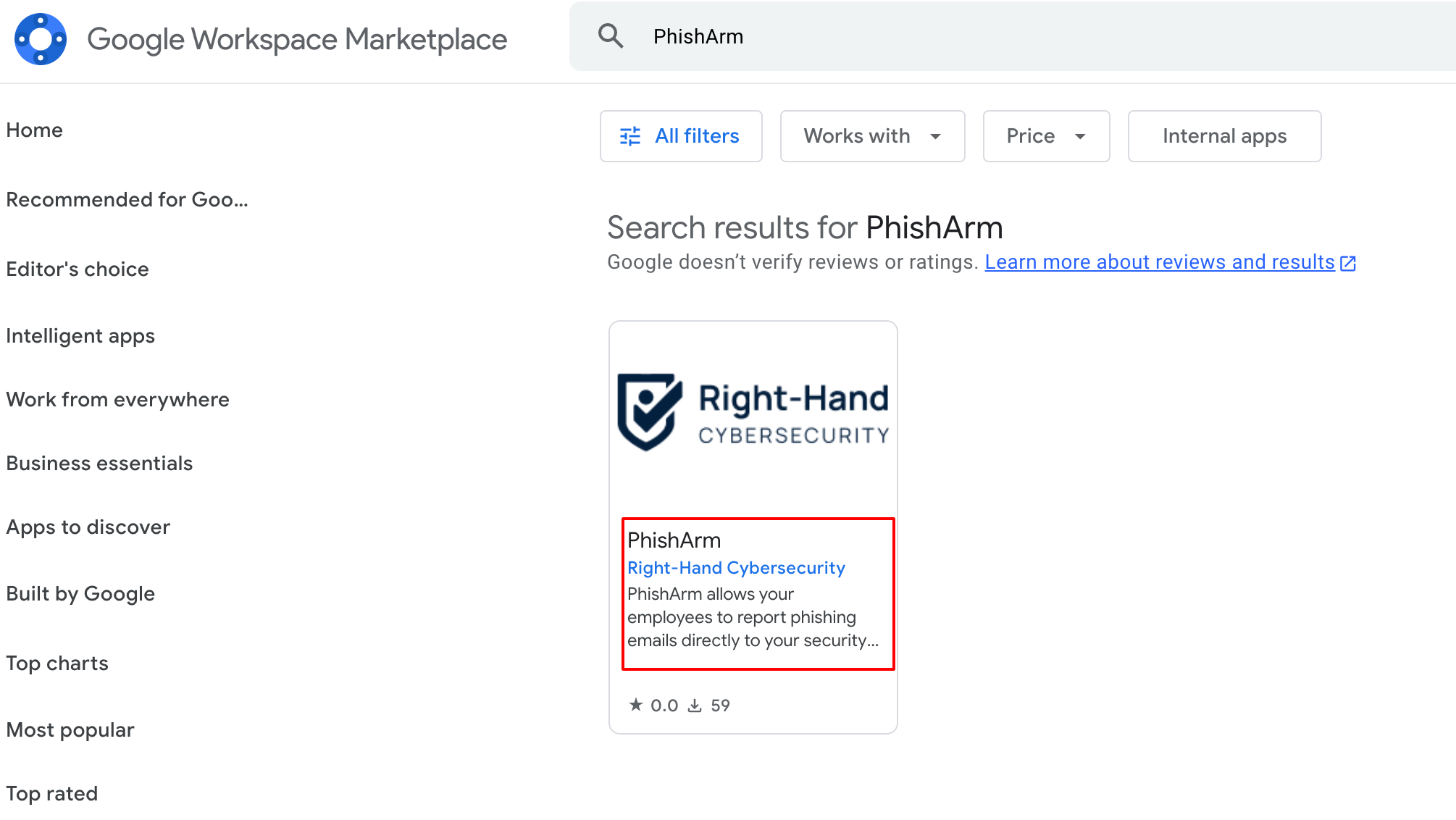
- Search for “PhishArm” or use this link to go to phishArm page.
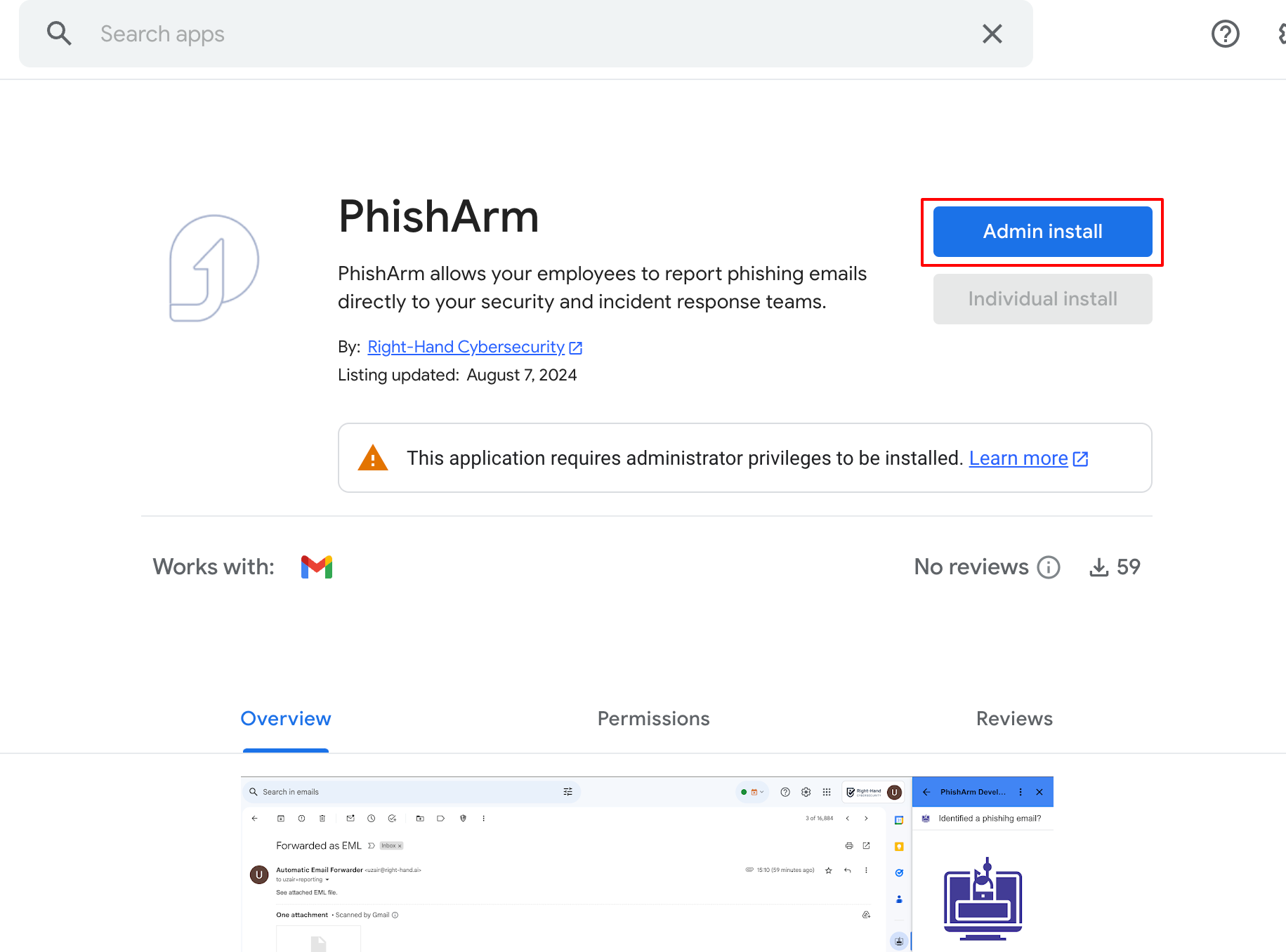
- Click on the app and click Admin Install.
- Follow the authorization steps as indicated below:
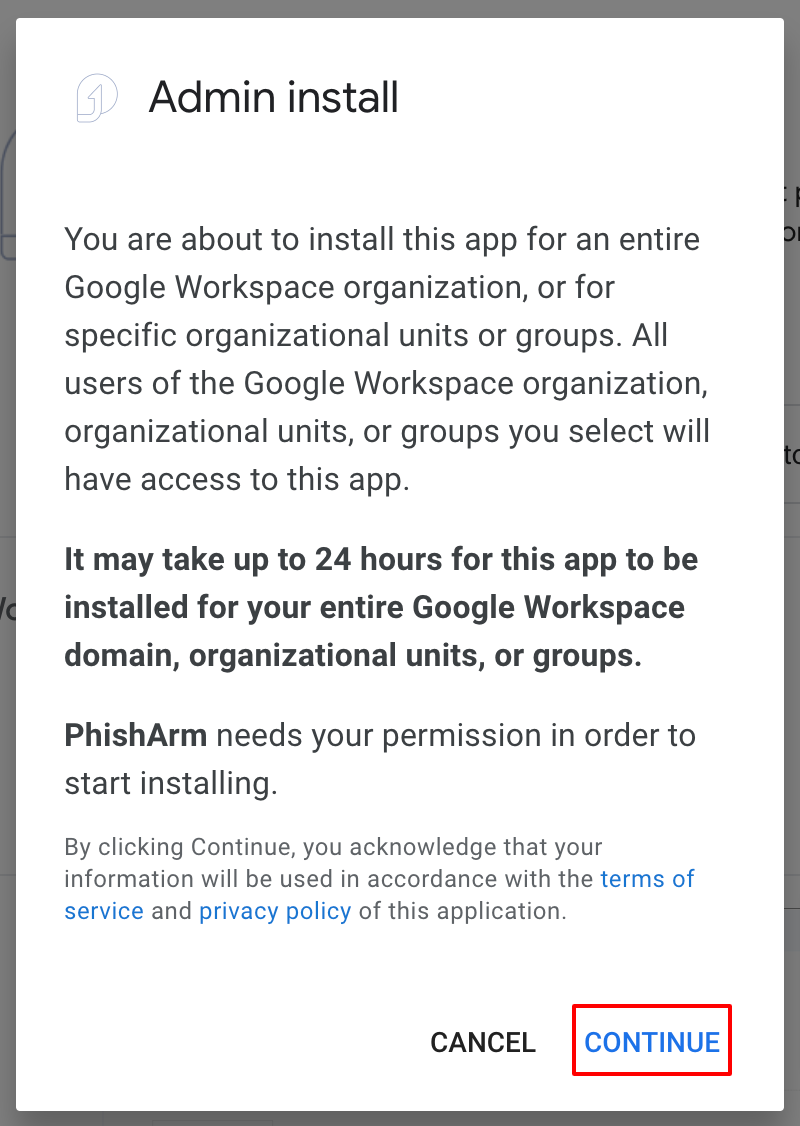
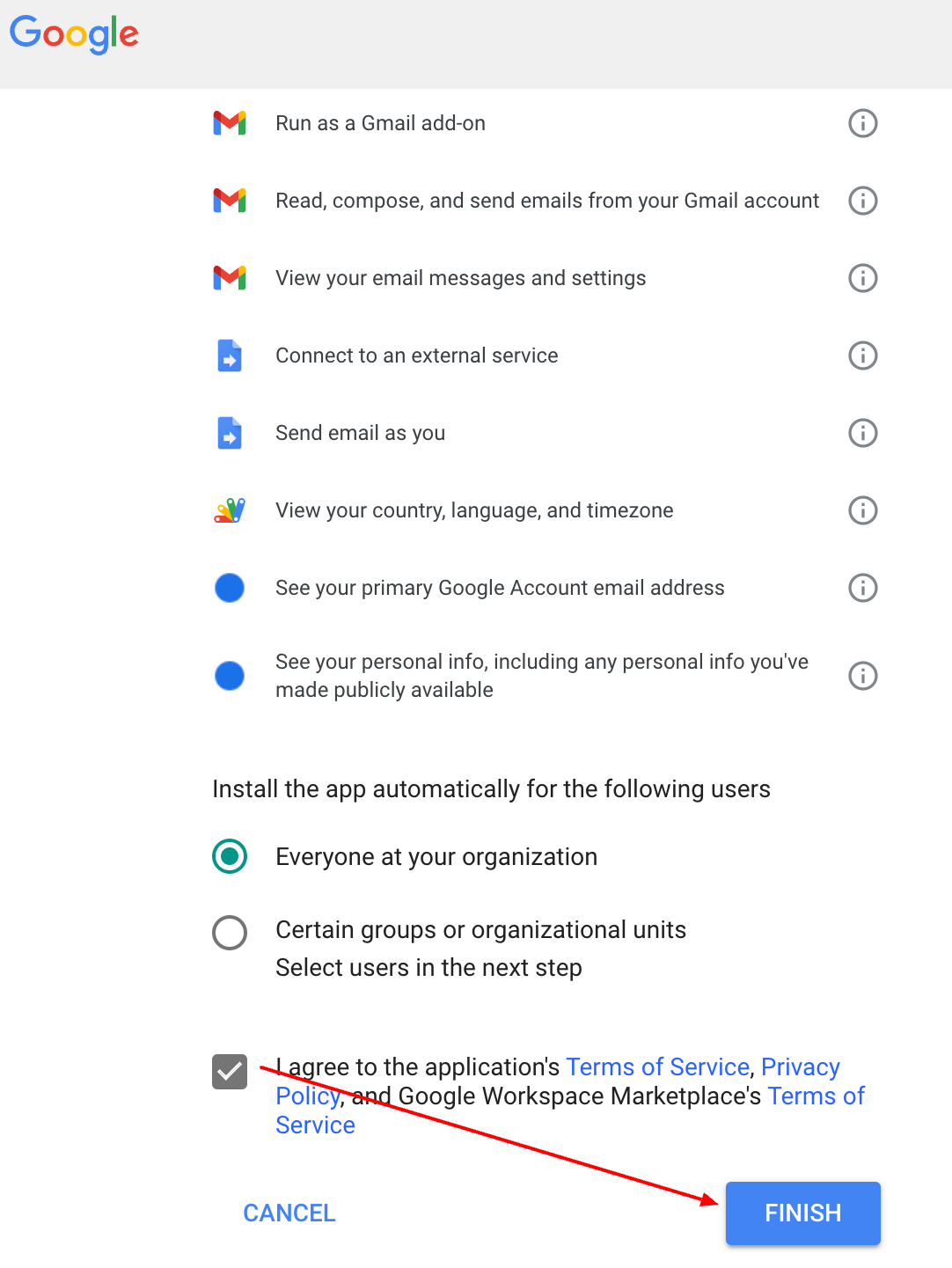
You can also select specific OUs for which you want to deploy the phishArm plugin, if necessary.
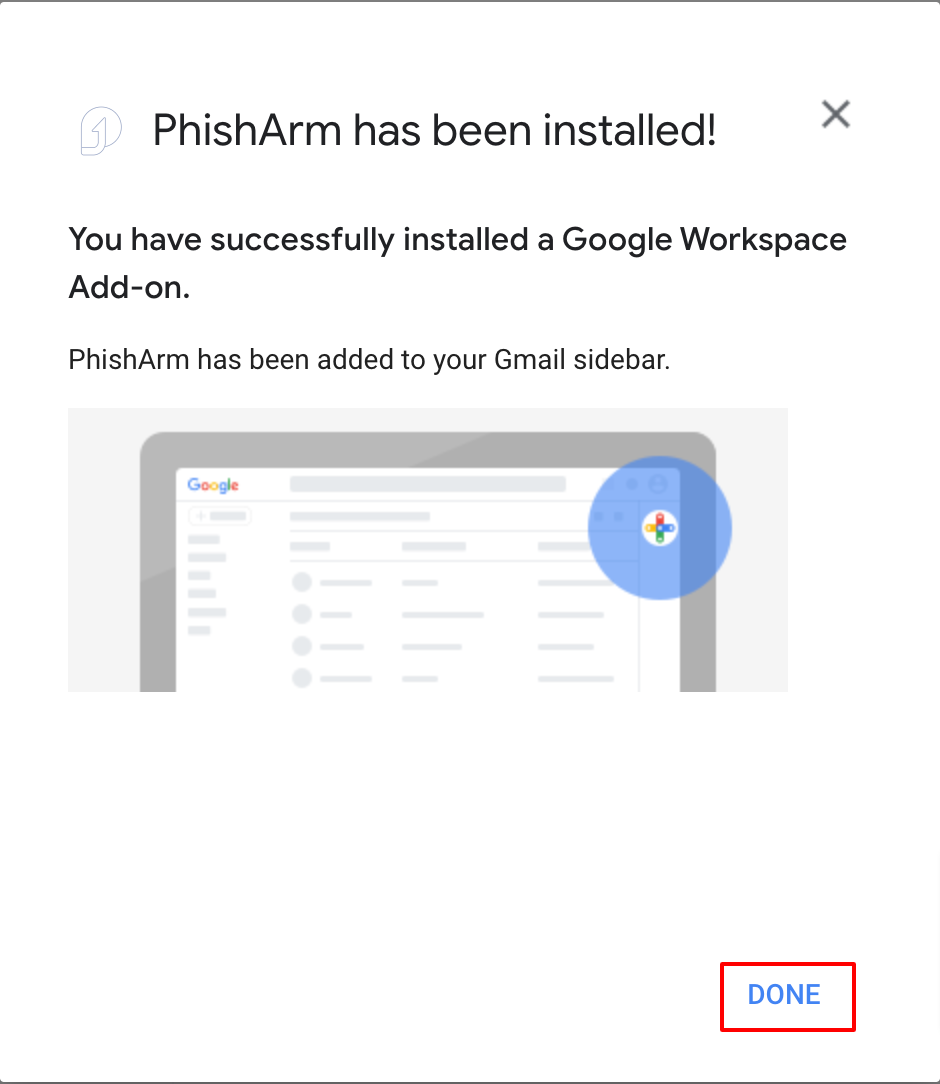
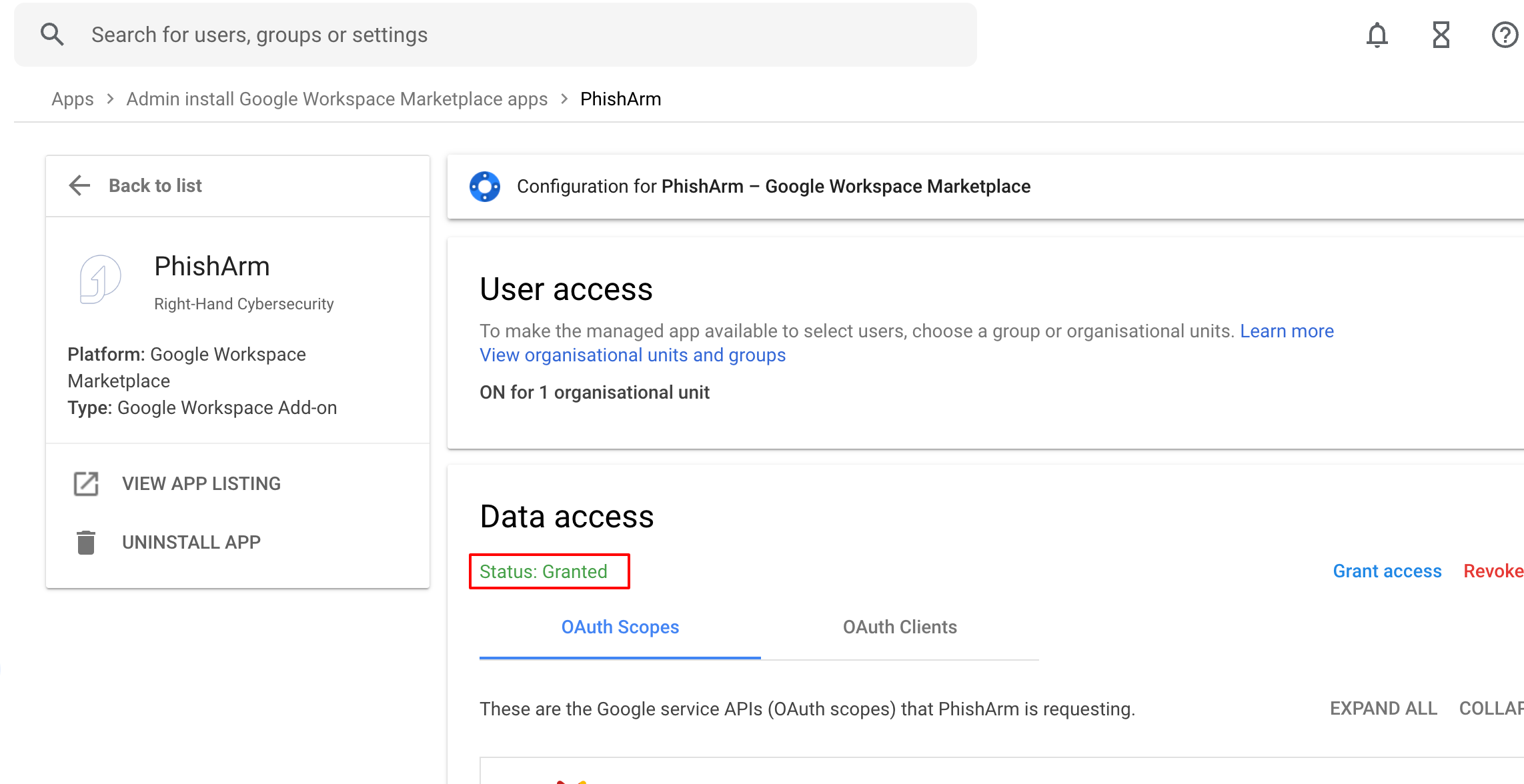
- Refresh the Apps page - you should see the PhishArm app in your Domain-installed apps section. Click on the PhishArm listing.
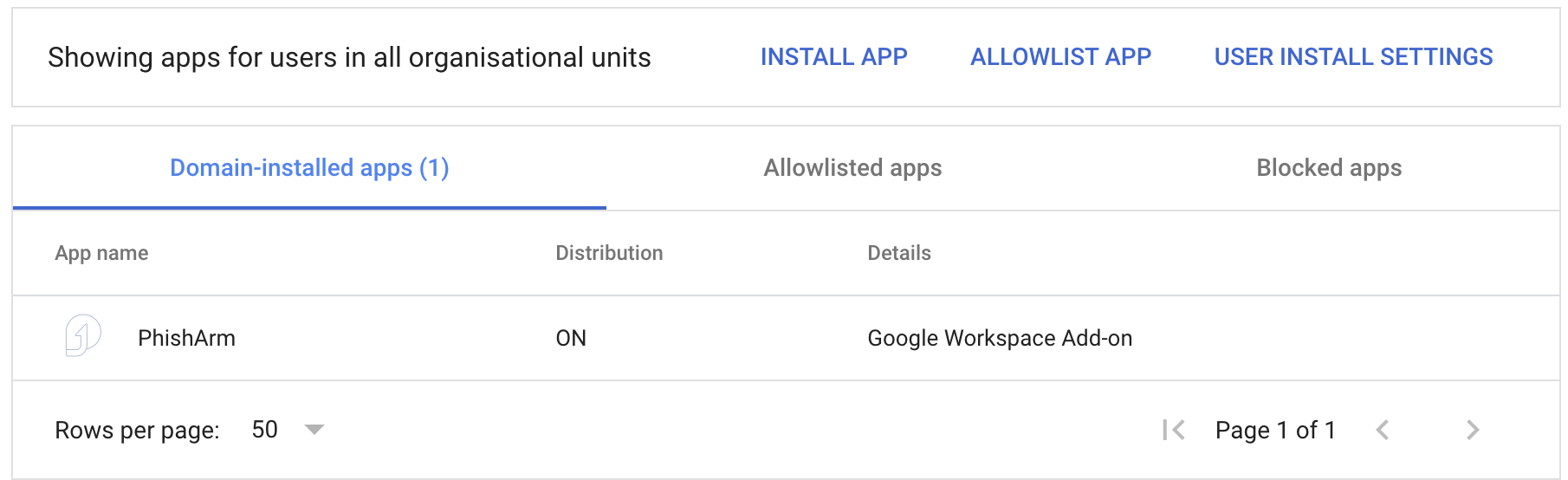
- Ensure that the app access is granted.
User Experience#
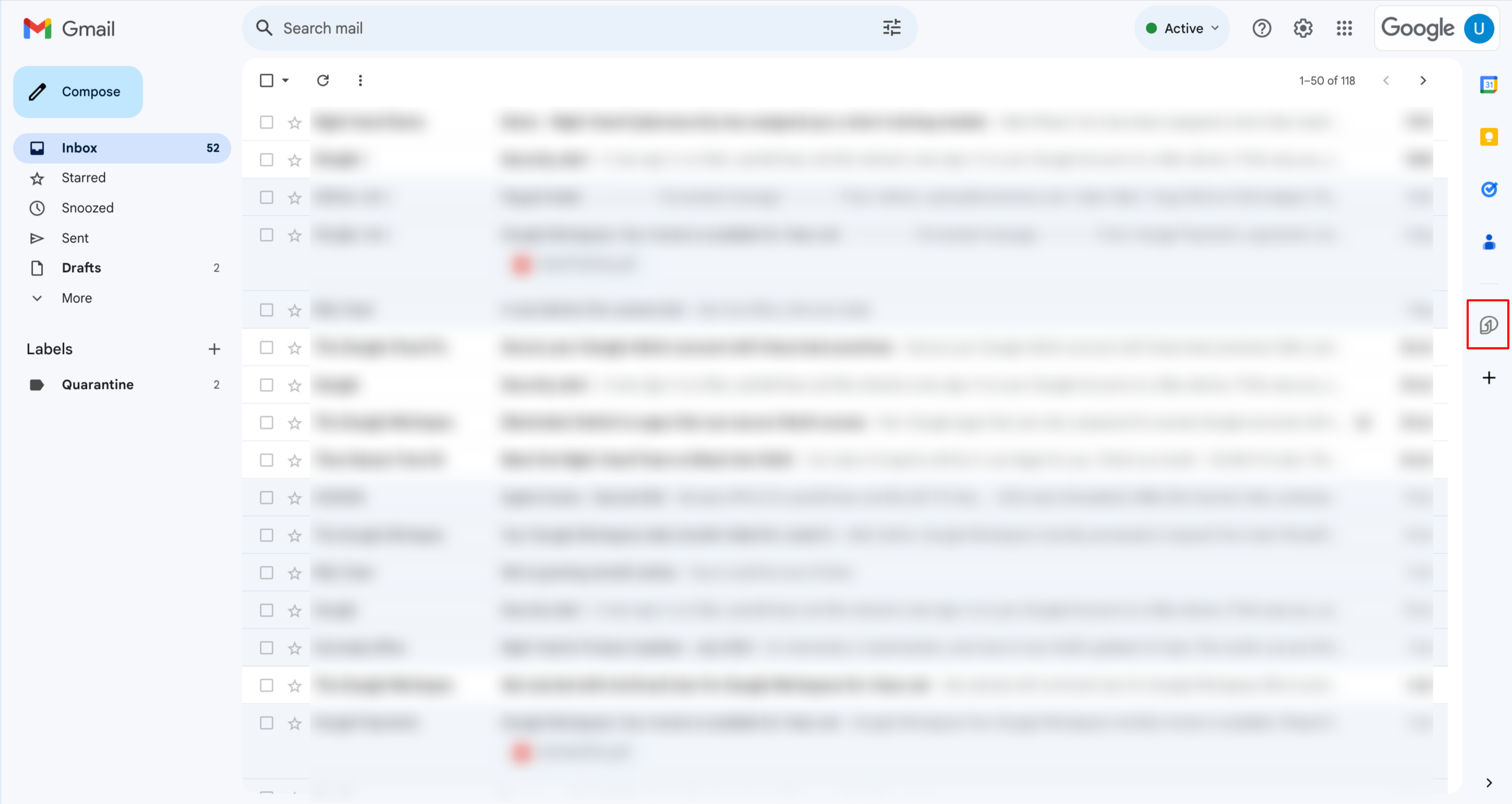
The PhishArm plug-in will be available for users in any browser, as well as in the Gmail mobile app. On the browser it appears on the right-hand side add-on panel (as shown below). In the Gmail Mobile app it appears when users open an email and scroll down to the bottom of the email.
When you first deploy the plug-in, users will see the following notification:
.png)
Users cannot report emails from Spam or Trash folders; these must be moved to the inbox first.